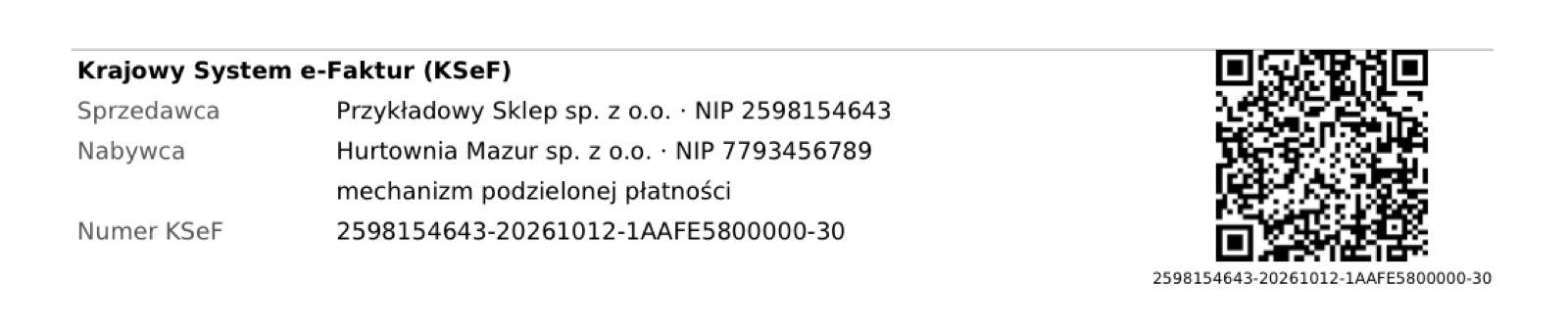
Send your PrestaShop invoices and correction invoices automatically to KSeF in FA(3) format, checked before sending, with KSeF number, UPO and QR code. No intermediary platform.
€89.99 excl. VAT · 1 year of support and updates included
Send your PrestaShop invoices and correction invoices automatically to KSeF in FA(3) format, checked before sending, with KSeF number, UPO and QR code. No intermediary platform.
Direct connection to the KSeF 2.0 API of the Ministry of Finance with your KSeF token: no intermediary platform, no subscription.
FA(3) invoices generated from your PrestaShop invoices: products, shipping, gift wrapping, discounts and vouchers, VAT rates 23%, 8%, 5% and 0%.
Correction invoices (faktura korygująca, KOR) created from PrestaShop credit slips, linked to the KSeF number of the original invoice.
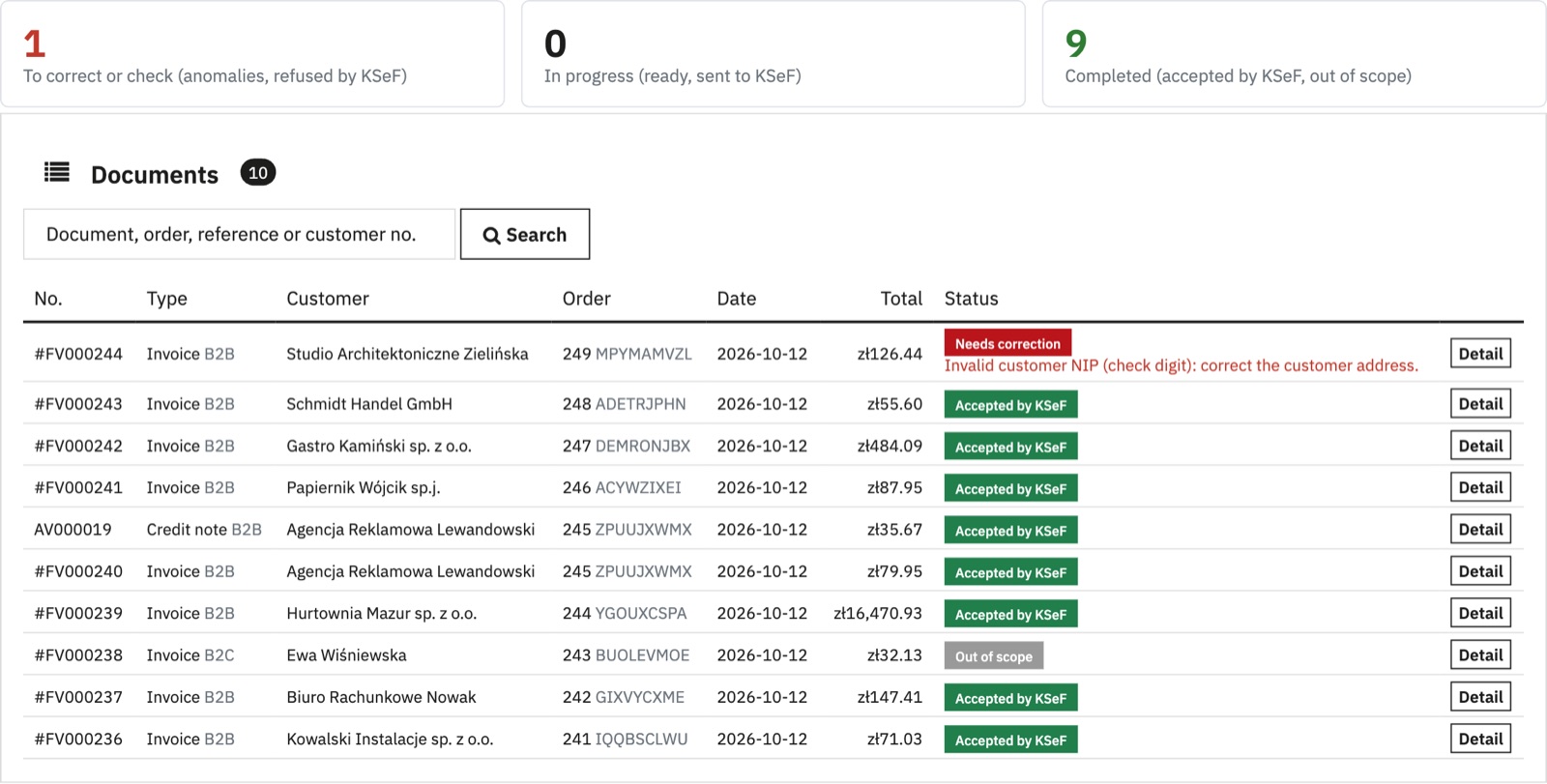
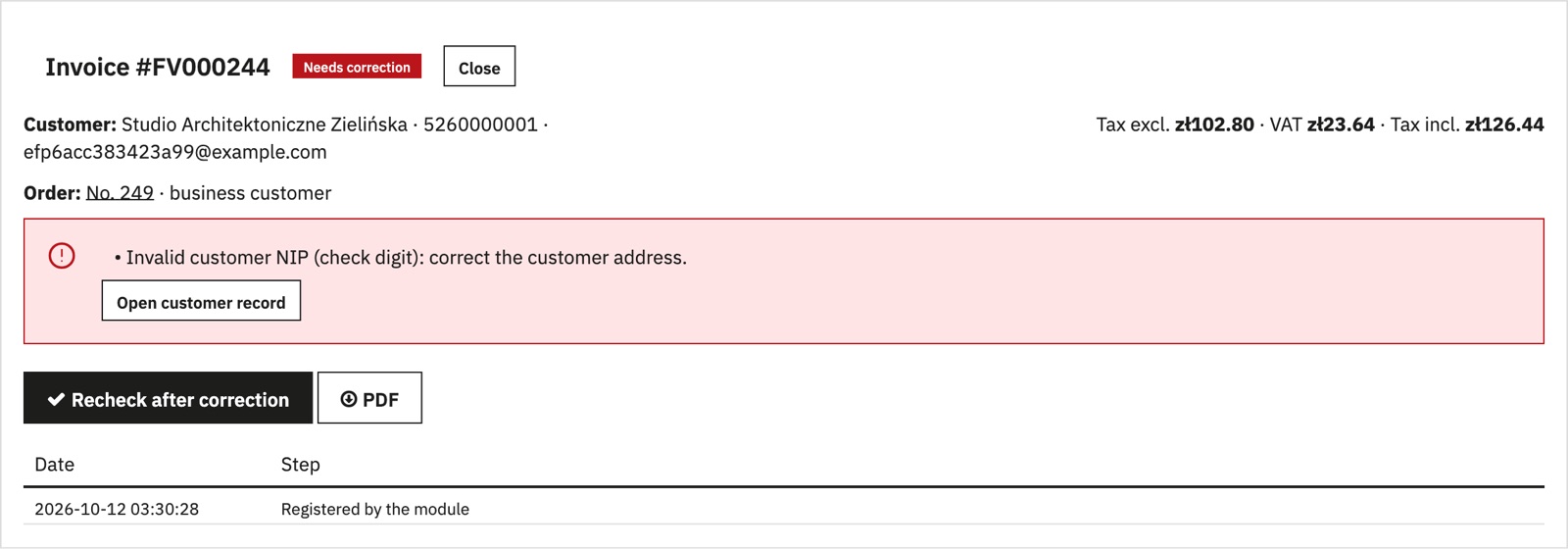
Checks before sending: NIP check digits (seller and customer), Polish VAT rates, consistent totals, bank account for transfers. An error blocks sending and shows what to correct.
VAT cases: seller exempt from VAT under Article 113, exemption with legal basis, reverse charge, cash accounting (metoda kasowa), split-payment (MPP) invoice data for qualifying transactions above PLN 15,000 including VAT, intra-Community supplies (0% WDT), exports (0% EX), services to foreign businesses (np I / np II).
Payment data in the invoice: paid invoices marked as paid with the payment date; bank transfer with account number and due date; cash on delivery, BLIK, card.
Checks before sending: NIP check digits (seller and customer), Polish VAT rates, consistent totals, bank account for transfers. An error blocks sending and shows what to correct.
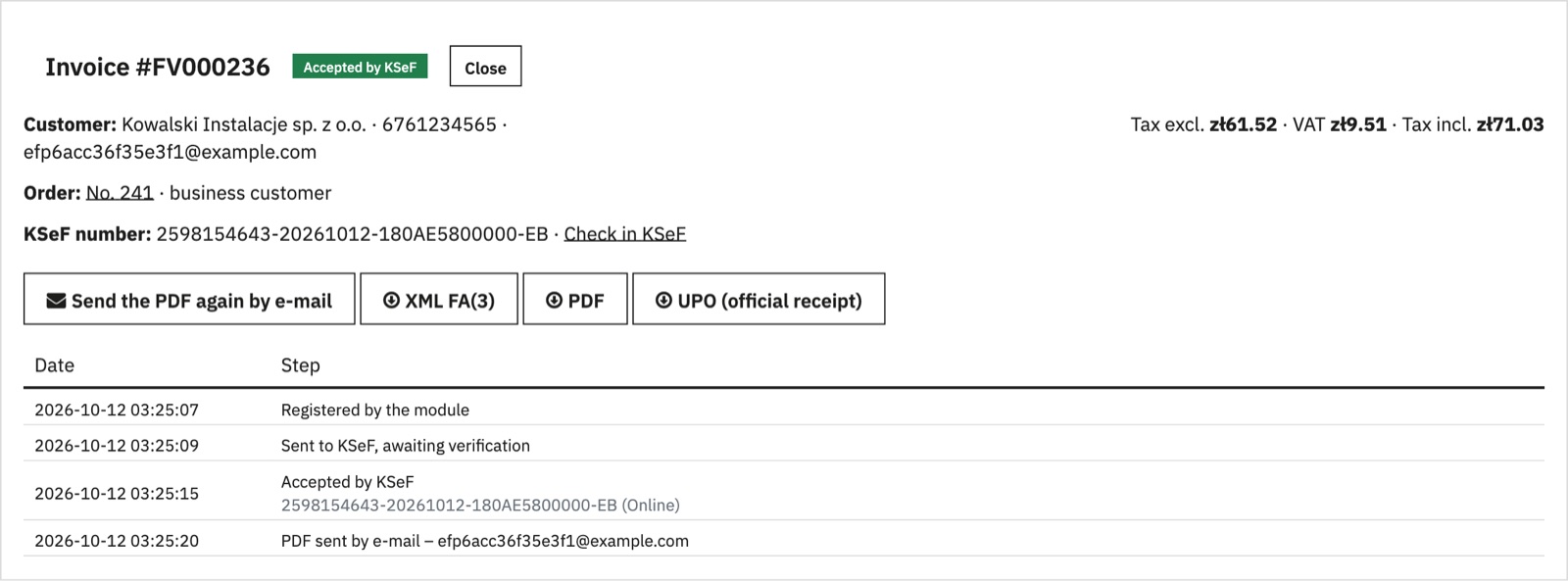
Mandatory KSeF invoicing was introduced in stages from February 2026, with transitional exemptions: B2B invoices must be issued in the National e-Invoicing System (KSeF) in the structured FA(3) format. KSeF-specific financial penalties apply from 1 January 2027. For online submissions, KSeF acceptance and an assigned KSeF number confirm successful issuance. This module connects your PrestaShop shop directly to KSeF: every invoice and correction invoice is converted to FA(3), checked, sent, and tracked until it is accepted.
Version 1.0 issues invoices in PLN, through interactive sessions. Invoices are handed to customers only after KSeF has accepted them, so the offline KSeF certificate (KOD II) is not used; if KSeF is unavailable, sending is retried automatically and an alert reminds you of the offline24 deadline. A correction invoice for an order with several invoices must be issued manually. Purchase invoices are received in your accounting software. The module is a technical tool: the VAT treatment of your sales remains your responsibility.
Configure the module and check the first results.
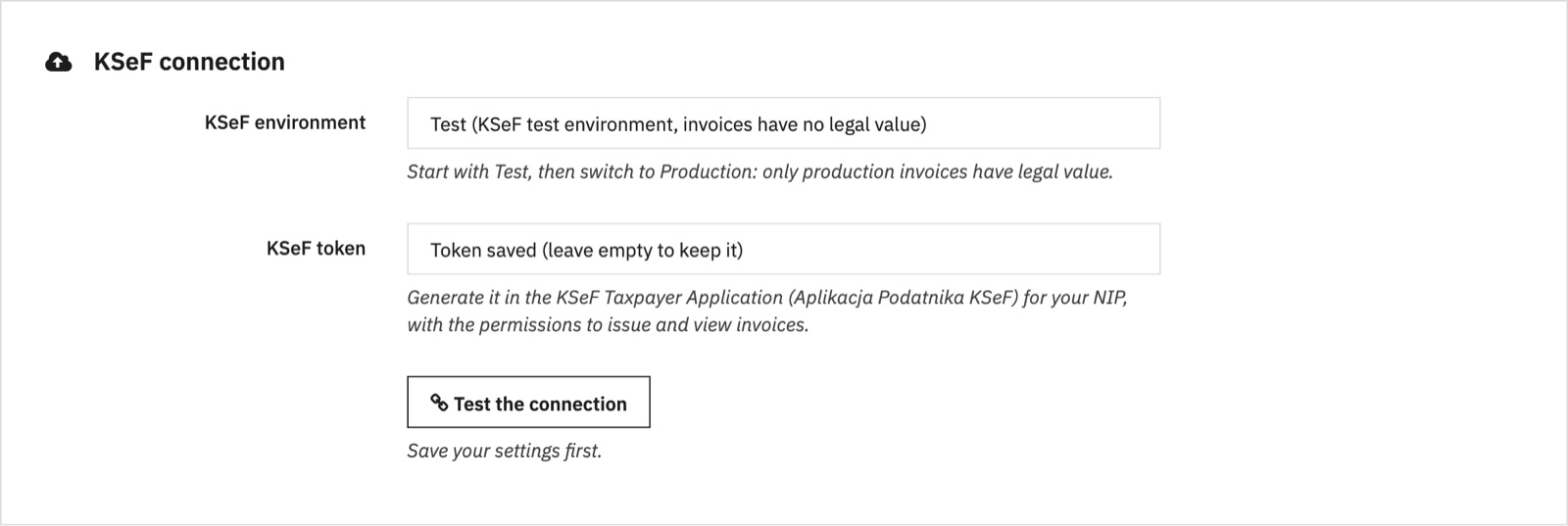
Generate a KSeF token in the KSeF Taxpayer Application (Aplikacja Podatnika KSeF) with the permissions to issue and view invoices. Install the module: a KSeF e-invoices menu appears under Orders.
Enter your company details (name, NIP, address, bank account) and your KSeF token, then click "Test the connection".
Choose your VAT settings, start in the Test environment, then switch to Production. Set up the scheduled task every 15 minutes (address provided in the Help tab) and check the first invoices in the Tracking tab.
| Requirement | PrestaShop 1.7.8 to 9.x, PHP 7.1 or later (openssl and curl). |
|---|---|
| Requirement | KSeF API 2.0, FA(3) structure (schema 1-0E). |
| Requirement | No external library, no intermediary service. |
No. The module connects directly to the KSeF API of the Ministry of Finance with your own KSeF token.
Select the Test environment and use fictitious data: test invoices are sent to the official KSeF test system and have no legal effect. Switch to Production when everything is correct.
A refused online submission receives no KSeF number. The reason given by KSeF is displayed; correct it, then click "Recheck after correction".
The module tries again automatically. KSeF checks for duplicates using the seller NIP, invoice number and invoice type: if the invoice had already been accepted, the module picks up its KSeF number after checking that the content is identical.
Submitting consumer invoices to KSeF is optional. By default they keep the usual PrestaShop invoice; you can choose to send their invoices to KSeF too.
Send your PrestaShop invoices and correction invoices automatically to KSeF in FA(3) format, checked before sending, with KSeF number, UPO and QR code. No intermediary platform.
Get notified at launch ← Stef Development