Protect your store and back office with a single module: two-factor authentication, failed login limits, IP, country and bot blocking, one-click AI bot blocking and protection against fake customer accounts.
€69.99 excl. VAT · 1 year of support and updates included
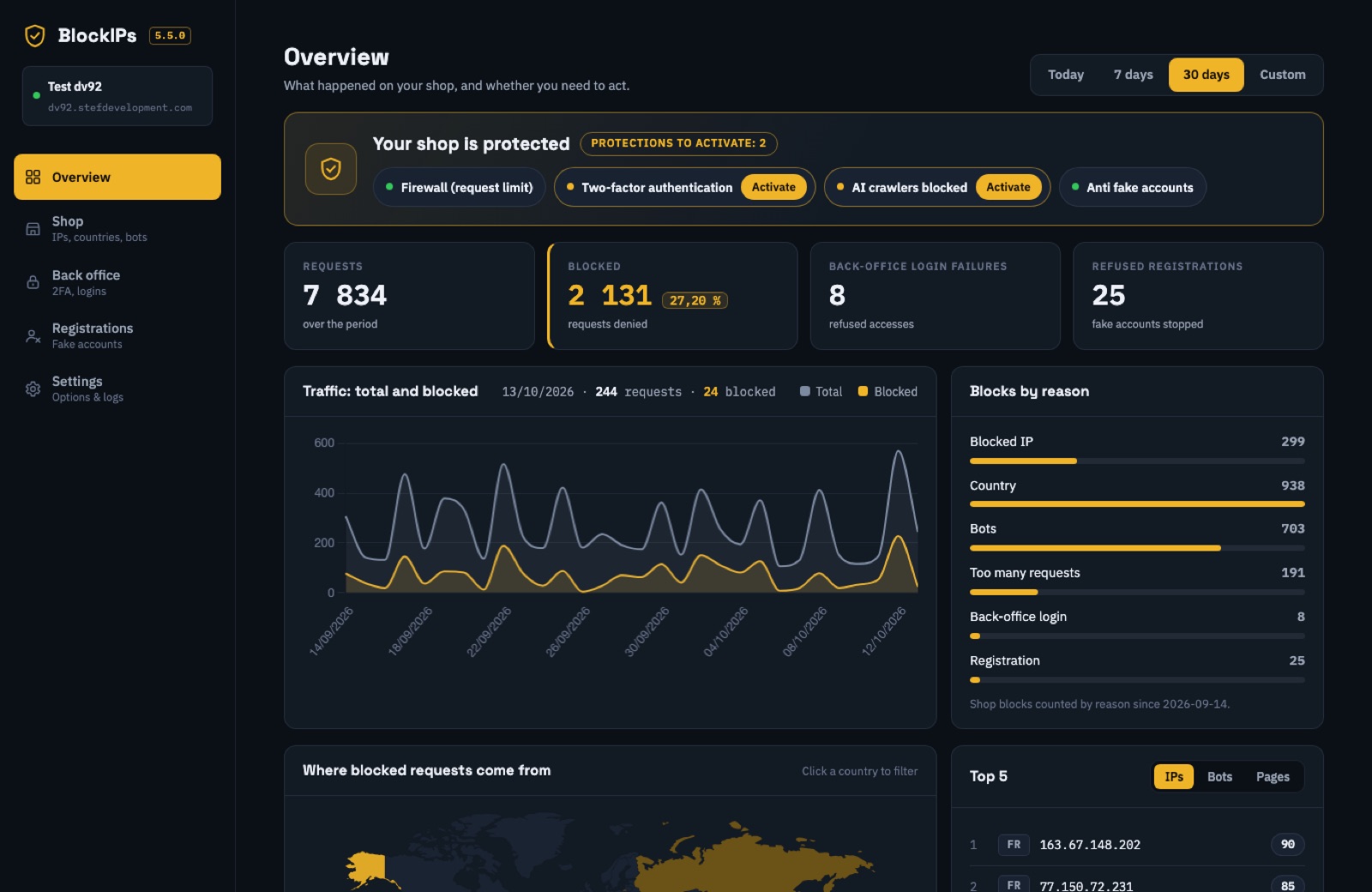
The features below are available in module version 5.5. You stay in control of every rule.
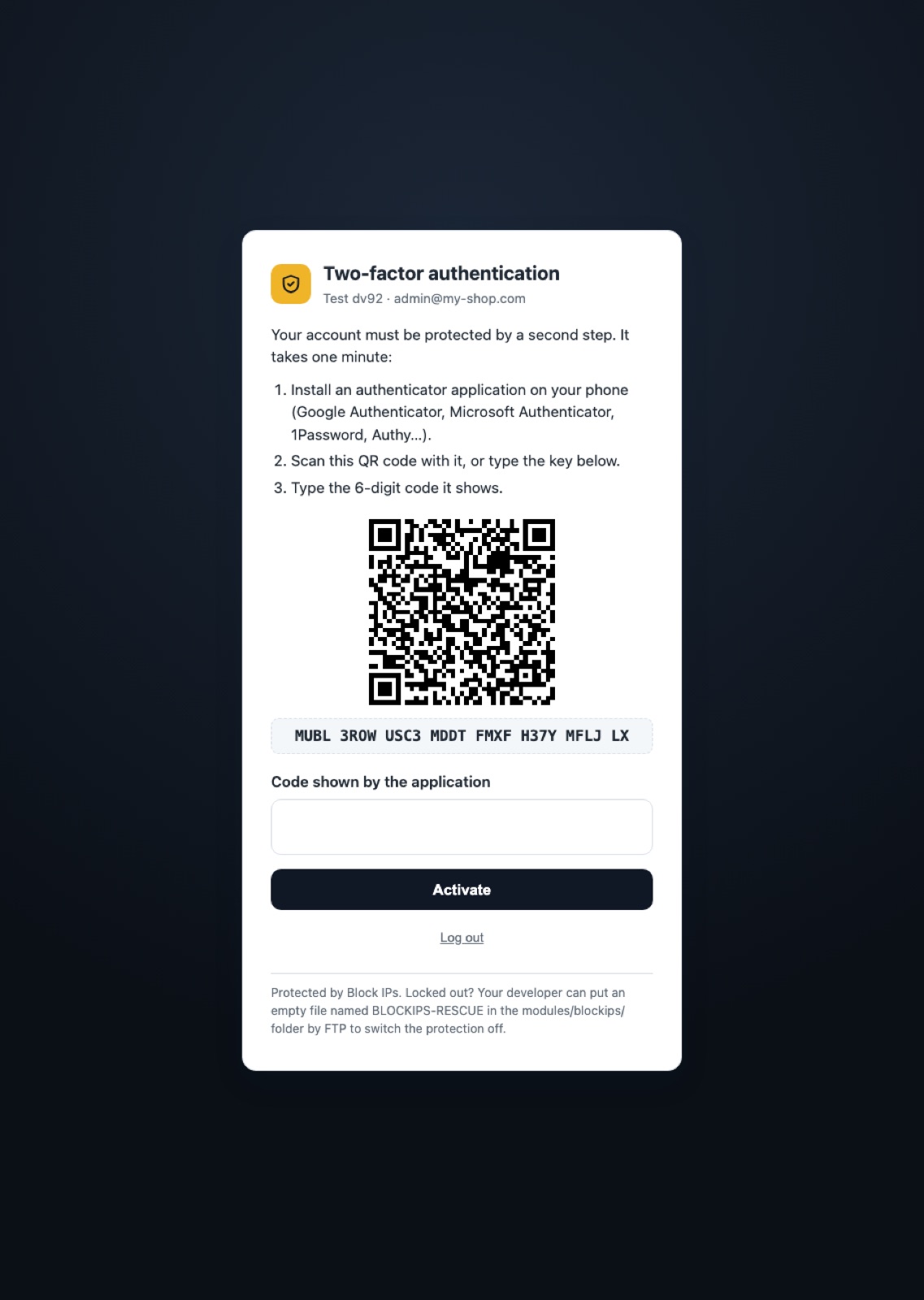
A 6-digit code from an app (Google Authenticator, Microsoft Authenticator, 1Password…), 10 recovery codes and mandatory authentication by employee profile.
An IP with too many incorrect passwords or codes must wait (5 failures in 15 minutes by default, configurable).
Block an IP, a range or an entire country. Google bots always remain allowed, even when their country is blocked.
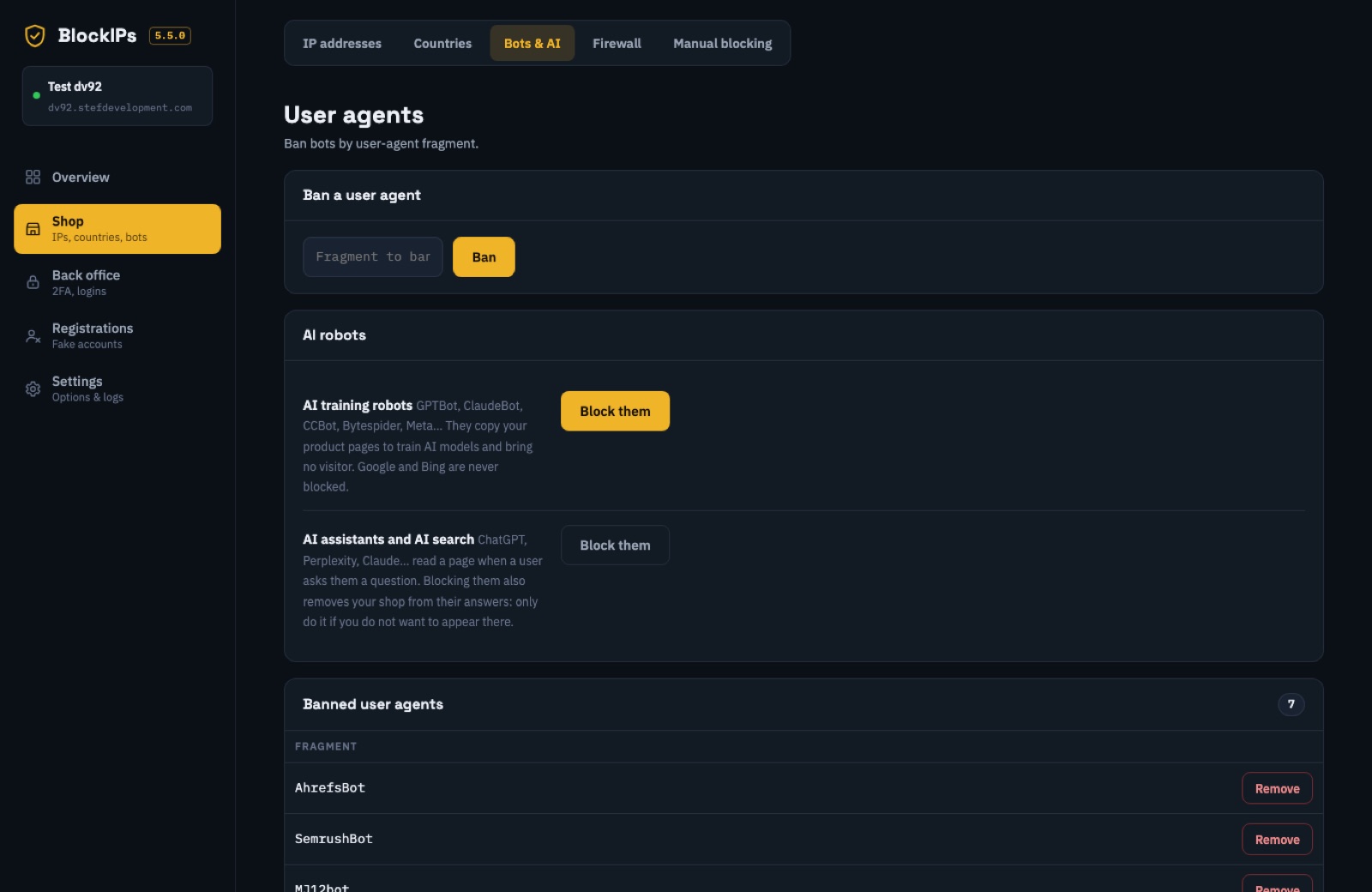
Two separate choices: AI training bots (GPTBot, ClaudeBot, CCBot, Bytespider…) and AI assistants (ChatGPT, Perplexity…).
Invisible honeypot field, rejection of names containing links, optional disposable e-mail filtering and a limit on accounts per IP per hour.
An IP requesting too many pages too quickly is banned automatically, with an e-mail alert. Configurable threshold and duration.
A stolen password is no longer enough to enter your store.
BLOCKIPS-RESCUE file uploaded by FTP disables protection if you are locked out.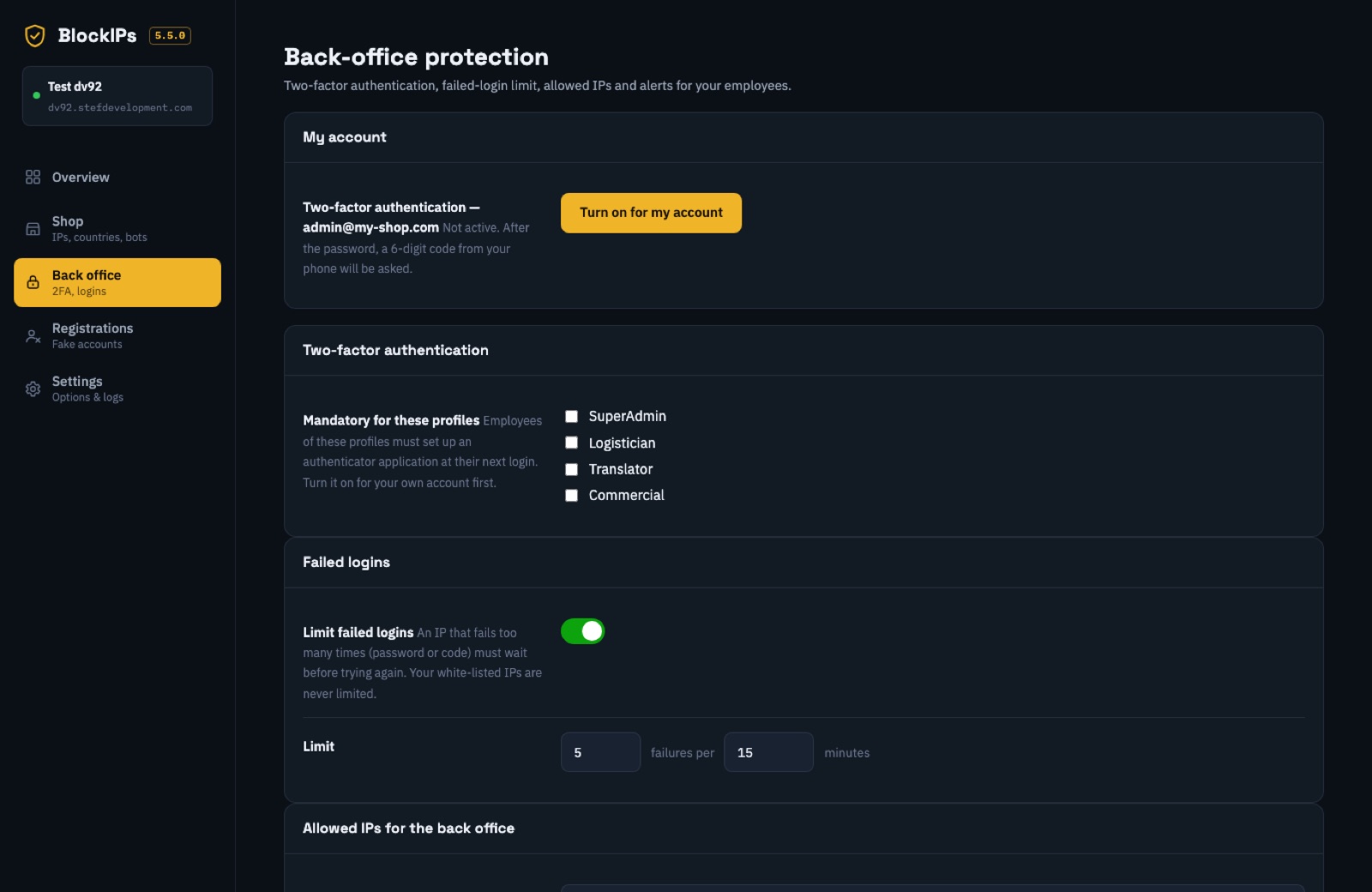
The employee scans a QR code with their app, enters the displayed code and receives 10 recovery codes. Works on PrestaShop 1.7.8, 8 and 9, including the Symfony login in PrestaShop 9.
Bots copying your product pages use server resources without buying anything. Account creation bots send spam using your own welcome e-mails.
No changes to core files, no overrides.
Download the ZIP from your PrestaShop Addons account and install it through the module manager.
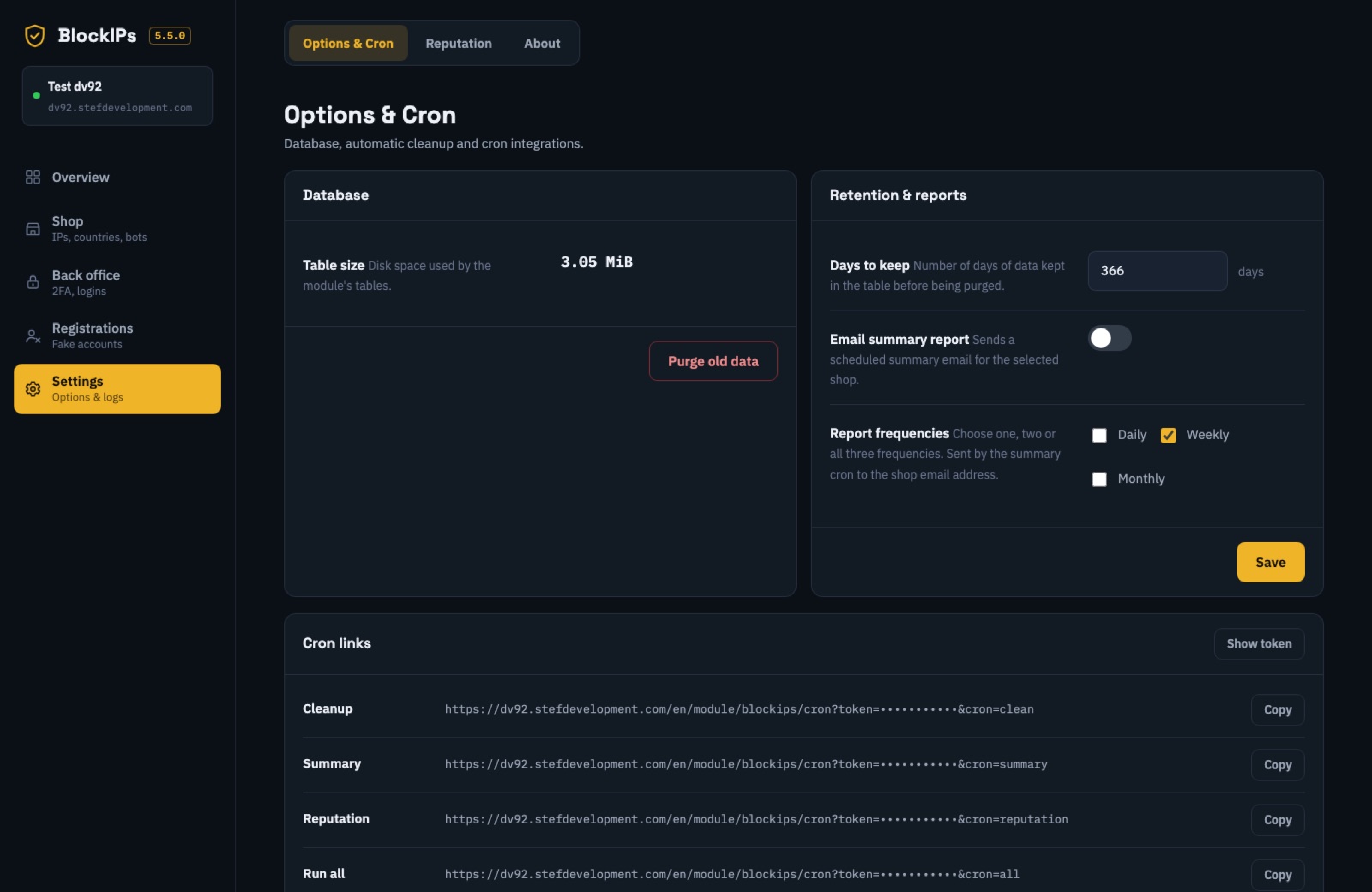
Countries, bots, firewall limits and registration protection: configure everything from the module screens.
Enable two-factor authentication for your account, keep your recovery codes, then require it for your chosen profiles.
| Store firewall | PrestaShop 1.6 to 9.2 |
|---|---|
| Back-office protection | PrestaShop 1.7.8 or later (tested on 1.7.8, 8.1, 8.2, 9.1 and 9.2) |
| PHP | 7.2 to 8.4 |
| Interface | English, French, Spanish, Italian, German, Dutch, Portuguese, Swedish, Danish, Norwegian |
| Multistore | Yes |
| Overrides | None |
No: Google bots are identified through their official IP ranges and remain allowed even if you block their country.
Use one of your 10 recovery codes or ask another administrator to reset your two-factor authentication. If you have no access at all, upload an empty BLOCKIPS-RESCUE file by FTP into modules/blockips/ to disable back-office protection.
No: the honeypot field is invisible to people. Disposable e-mail filtering is disabled by default because some customers use these addresses.
It is your choice. Blocking them also removes your store from their answers, which is why they are separate from training bots.
Use the PrestaShop Addons support form for your order and provide your PrestaShop and PHP versions.
Available on PrestaShop Addons, with one year of support and updates included.
Discover Block IPs on PrestaShop Addons ← Stef Development